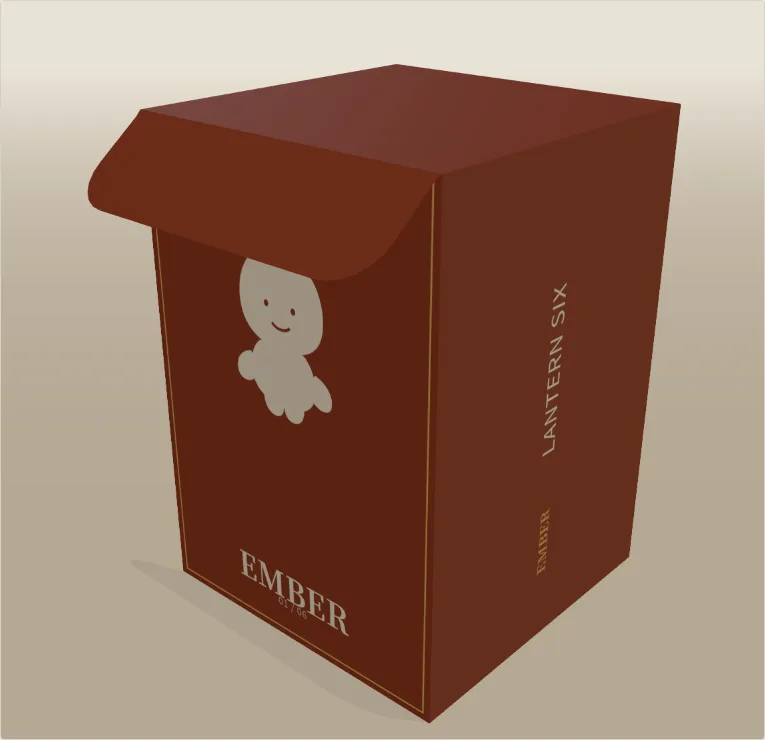
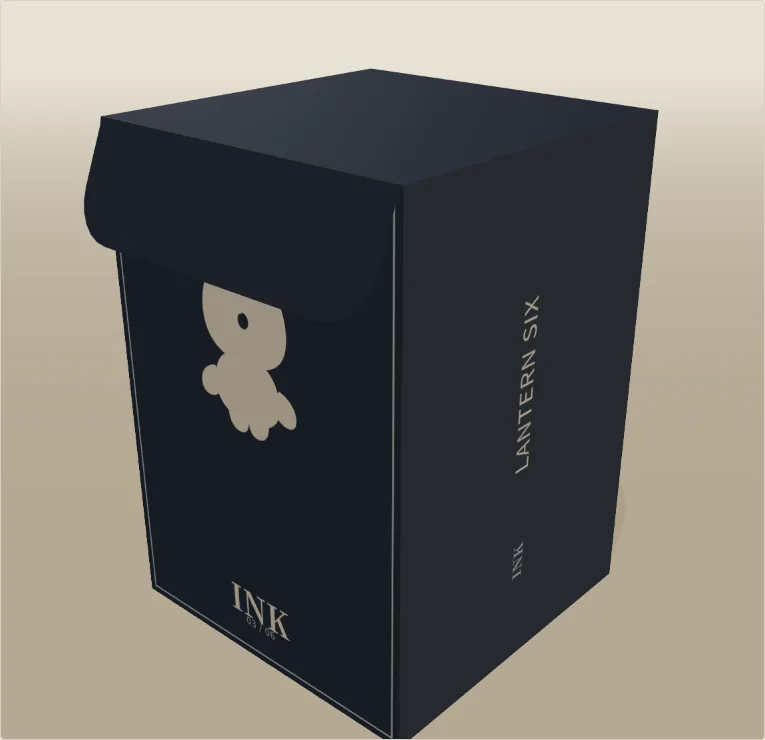
Straight tuck-end
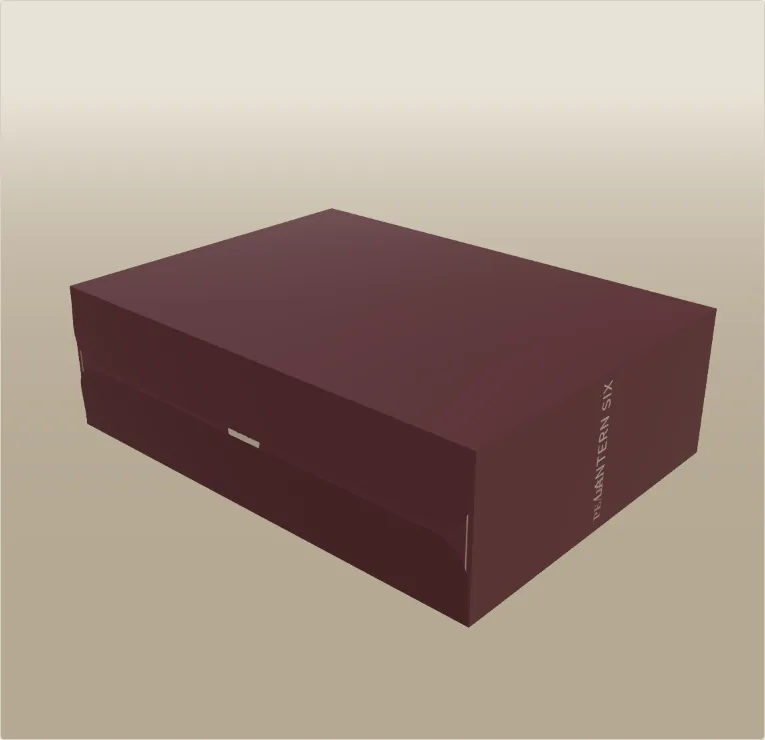
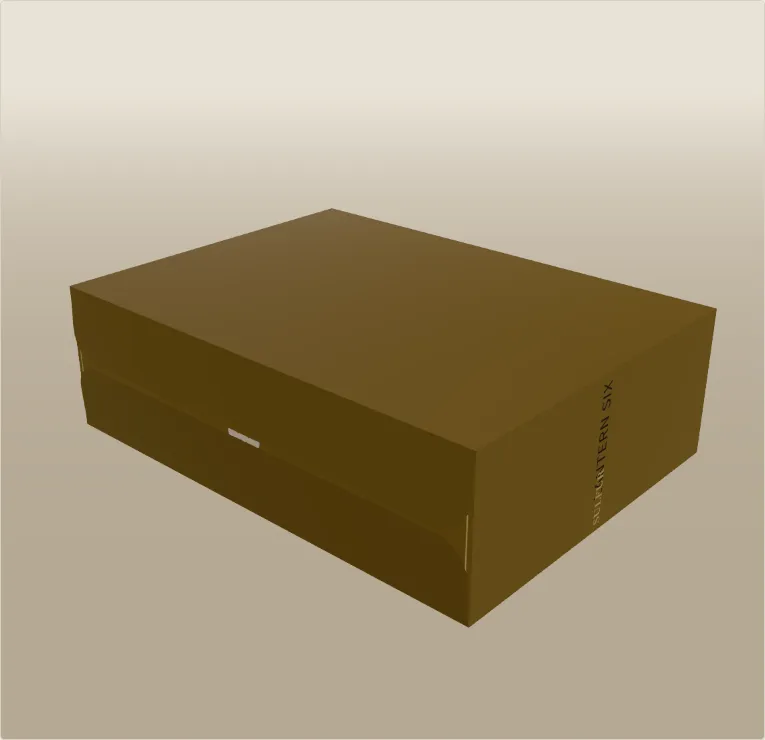
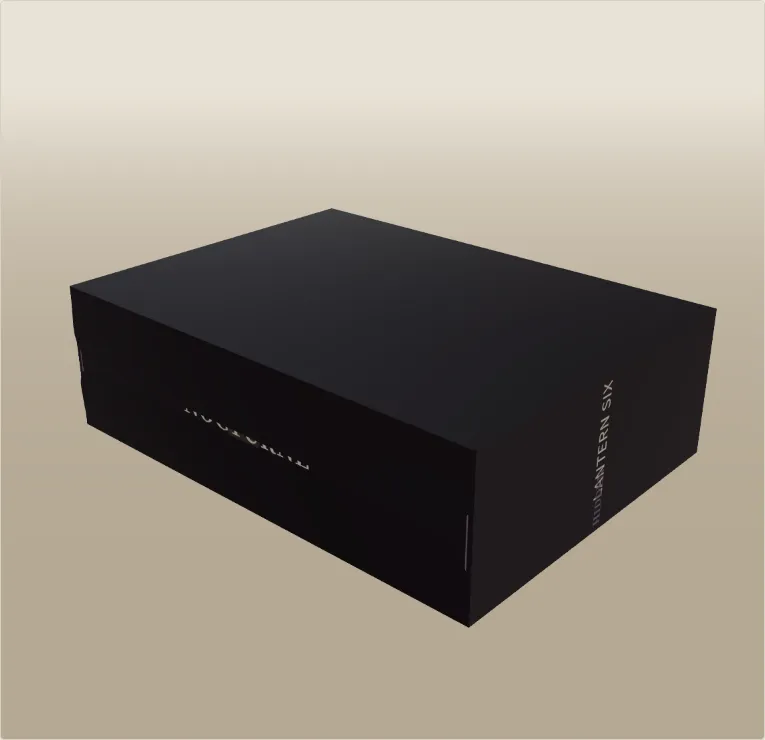
The blind-box classic. Both lids hinge from the back, tucks close at the front.
For designer toys, blind boxes & IP merch
Type your box size in millimetres, add your characters, and Seriesfold draws a print-ready dieline for every figure in the line — plus the counter tray they sit in. Spin it in 3D before anything is printed.
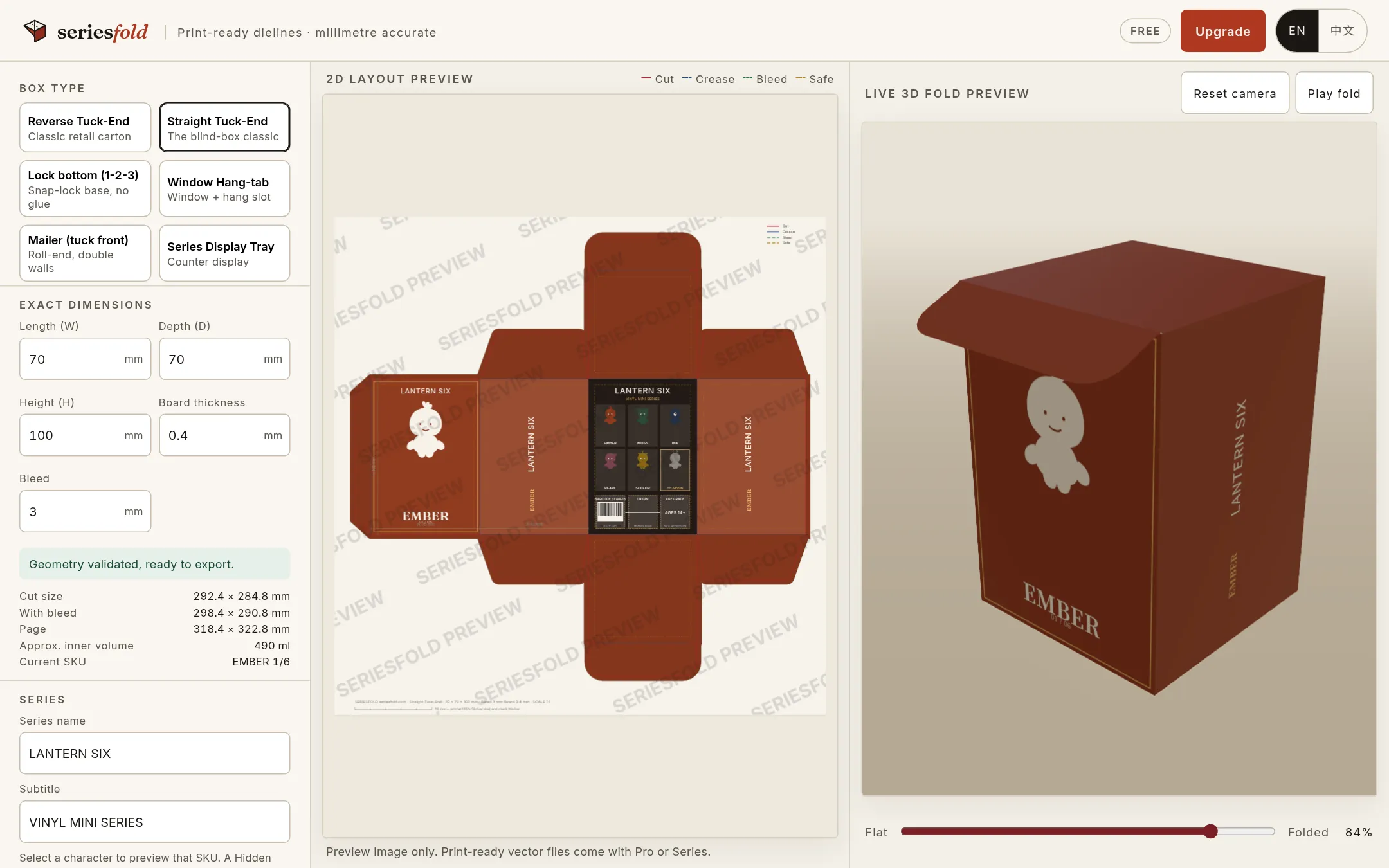
How it works
No packaging engineering, no Illustrator templates to redraw. If you can measure your figure, you can make the box.
Choose a structure and enter the inside length, depth and height in millimetres plus your board thickness. Lids, tuck flaps, dust flaps and glue tab redraw instantly around your figure.
Name each figure, pick its colour, upload its art, and mark one as the hidden chase. Fronts change per character; the back roster stays shared.
Fold it on screen to catch mistakes early. Export vector PDF + SVG your printer can cut from — one SKU with Pro, or the whole series as a ZIP with Series.
Box types
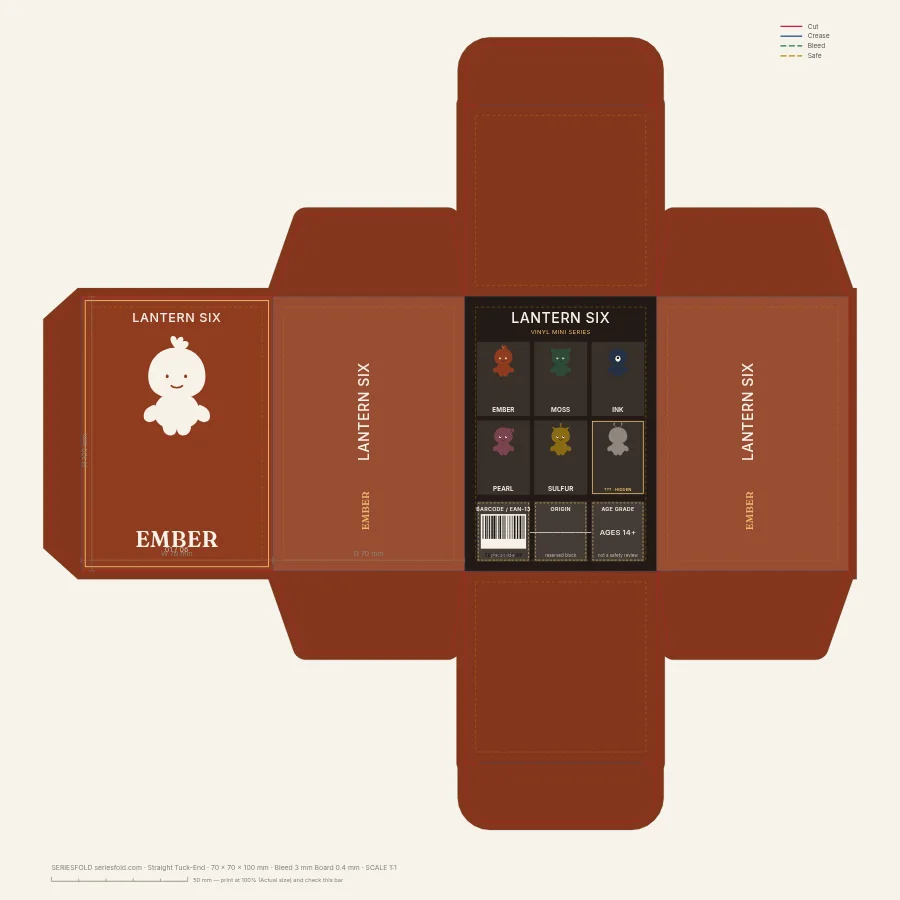
Every one is parametric: change a number and the whole dieline, including the 3D model, rebuilds.
The blind-box classic. Both lids hinge from the back, tucks close at the front.
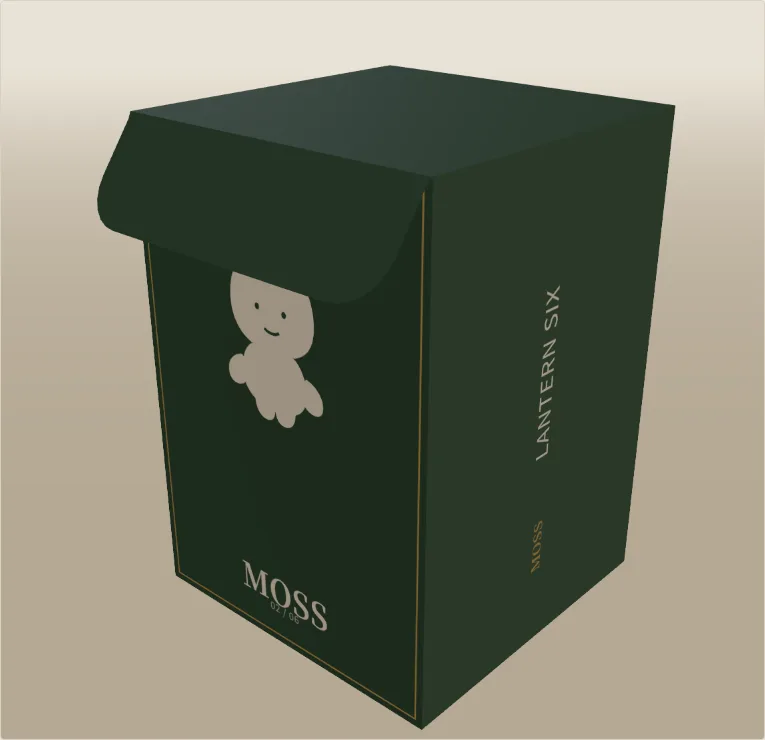
Retail carton with lids on opposite panels — cheaper on the press sheet.
Snap-lock base that folds shut without glue. Sturdier than a tuck for heavier vinyl.
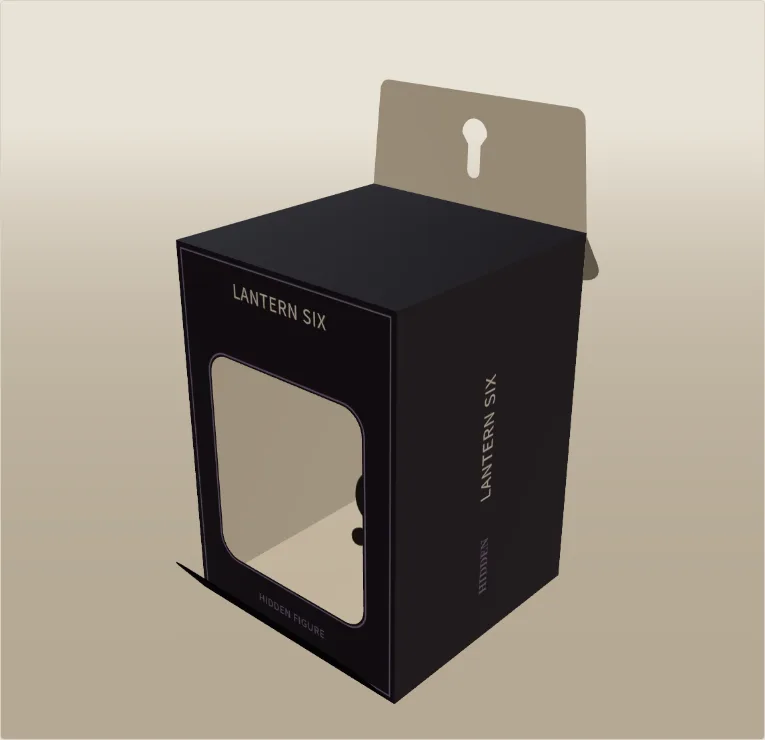
Show the figure through a die-cut window; optional euro slot for pegs.
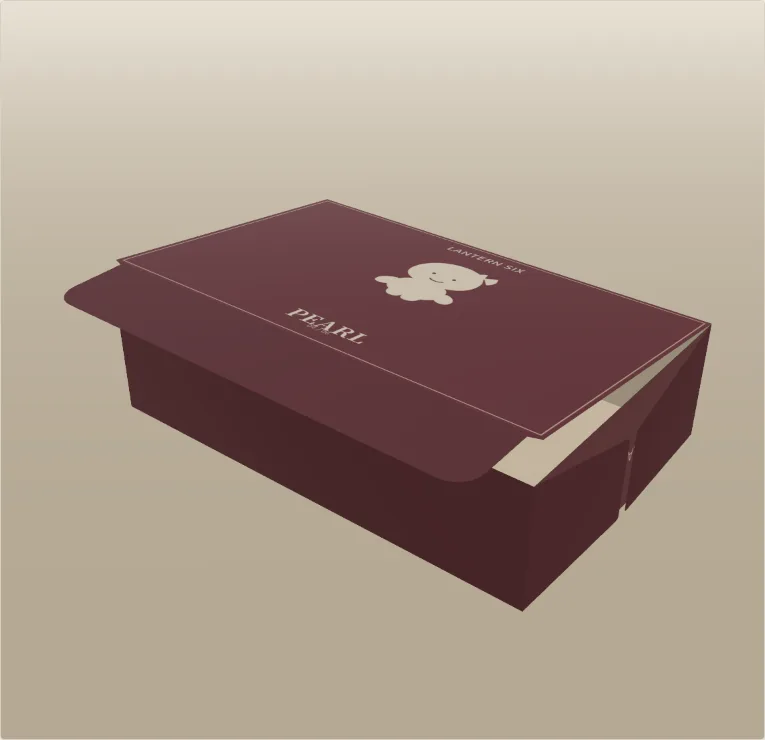
Roll-end mailer with double side walls and a front tuck — for PR kits and collector sets.
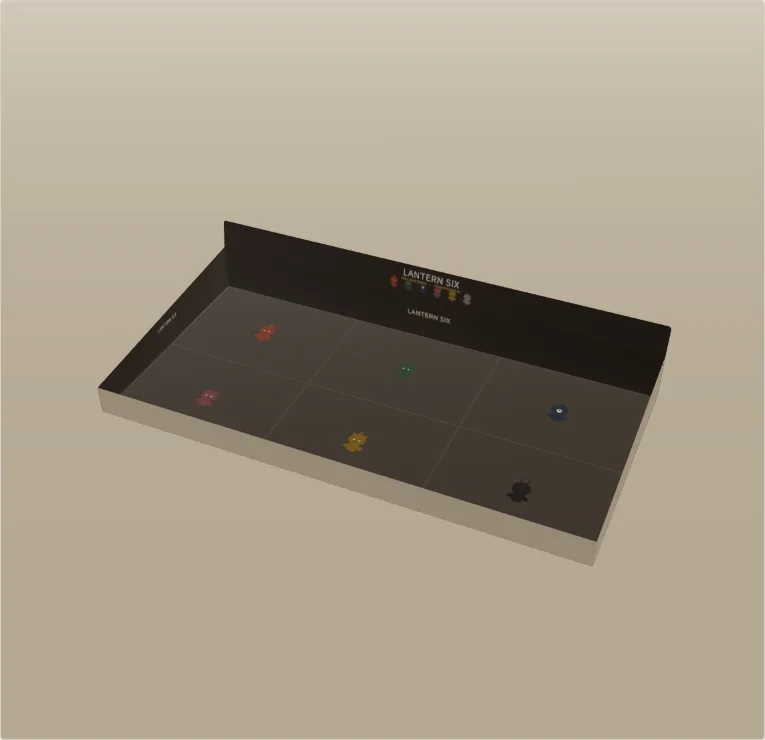
Sized automatically to hold 6–12 of your unit boxes.
Series export
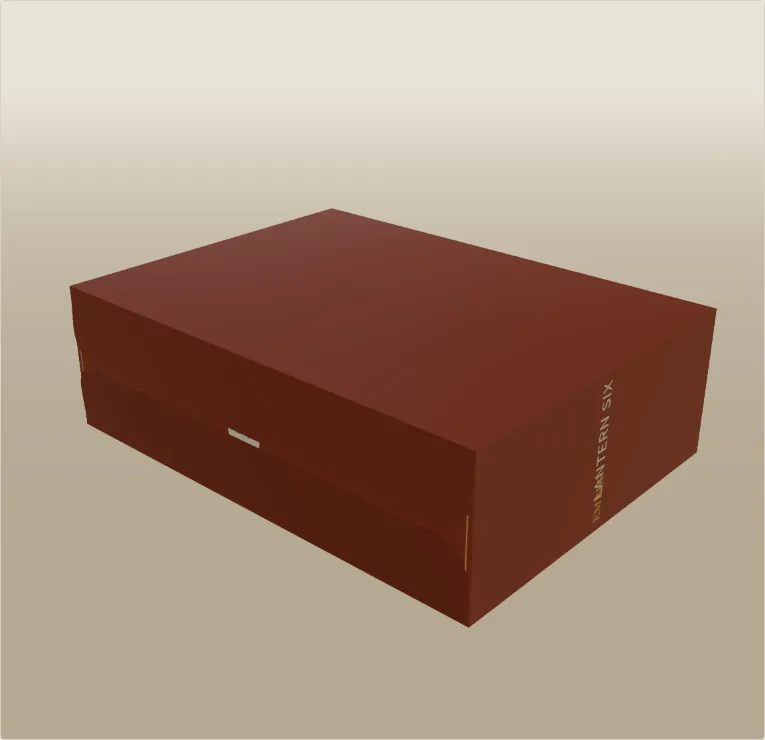
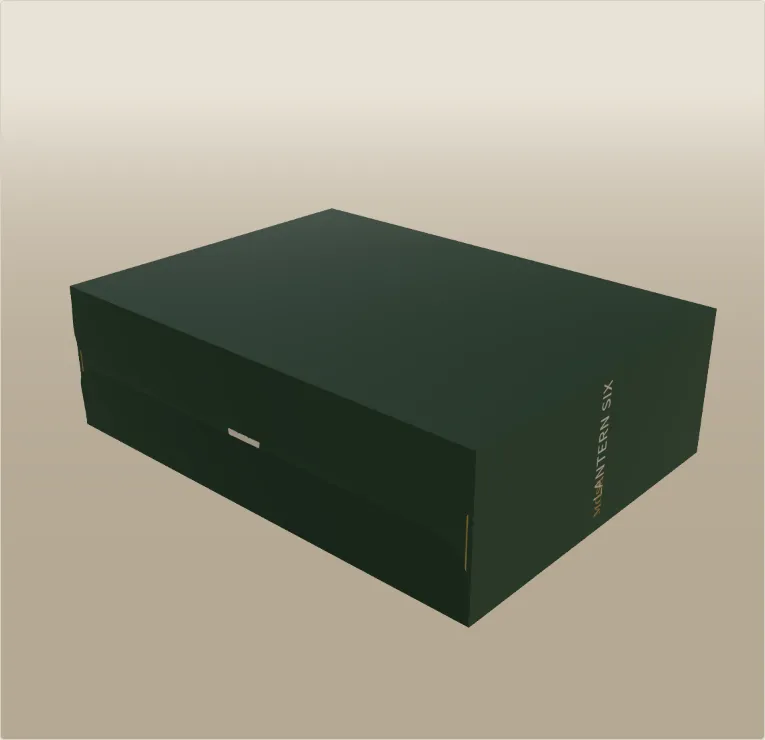
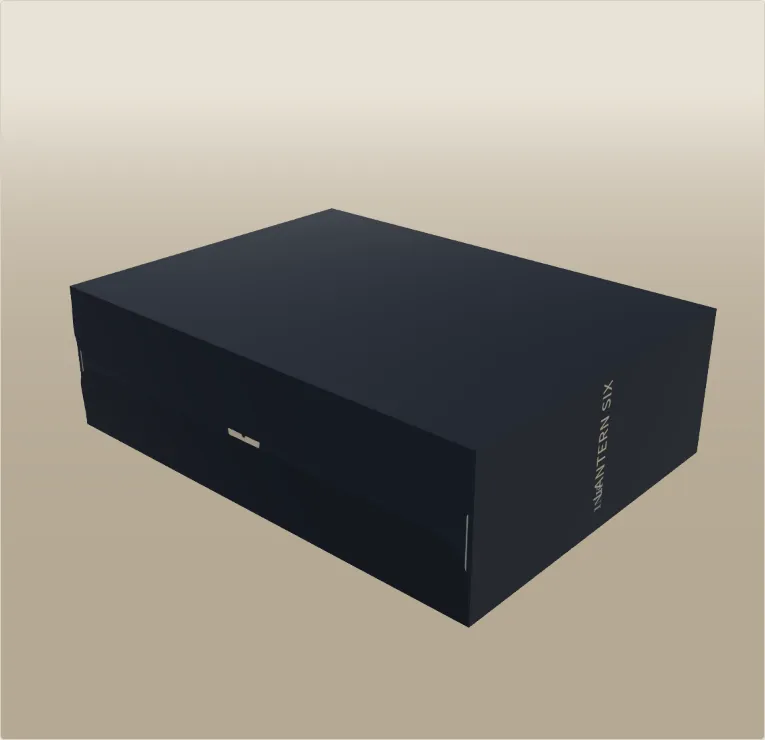
Generic dieline tools give you one box at a time. A blind box drop is six, nine, twelve boxes that must match to the millimetre. Seriesfold treats the series as the unit of work.
Why Seriesfold
Vector PDF at 1:1 with Artwork, Bleed, Crease and Cut on separate layers and fonts embedded, plus a layered SVG for Illustrator, Affinity or Inkscape.
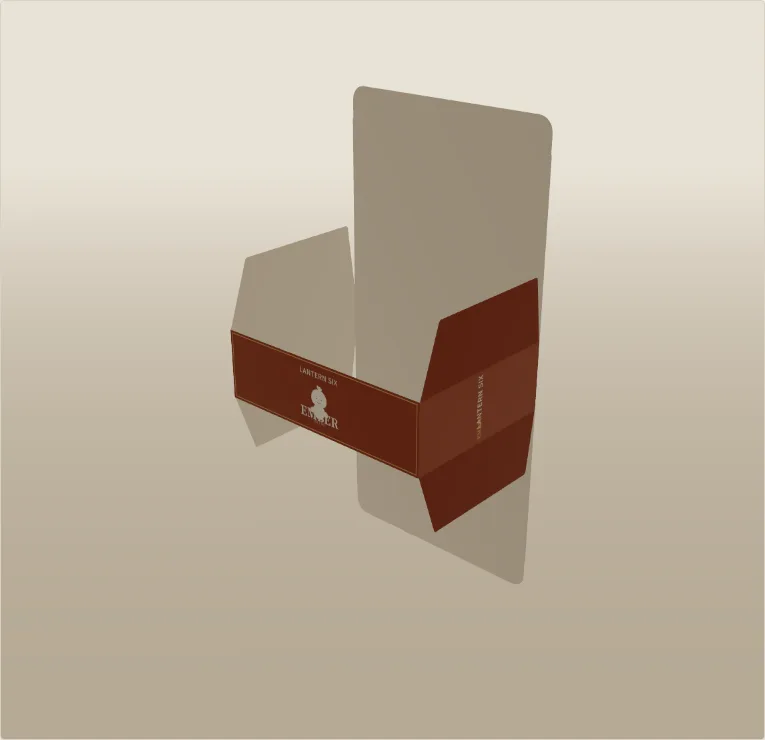
The 3D preview folds along the same crease lines as the file, so a flap that collides on screen would collide in your hands.
Everything is drawn in your browser. Uploaded character art is never sent to our servers.
You type inside dimensions; panels grow by the board thickness and tucks narrow to slide in, so the box fits the figure, not just the drawing.
Barcode, origin and age-grade areas are laid out for you as placeholders, ready for your real data.
Free to design. Pay once for single-box files or once for a whole series. No subscription, and commercial use is included on every paid plan.
Pricing
Every paid plan includes commercial use. Prices in US dollars.
Launch prices are real and end on 31 Jan 2027. One-time payment — no subscription, no auto-renewal. If the files don't work for you, full refund within 14 days. If you buy now, you keep what you bought; later price changes never affect past purchases.
$0 forever
Design and check your whole structure before you spend a cent.
Start designing free$19 one-time
Launch price until 31 Jan 2027, then $29
Print-ready files for one character box. Pay once, no subscription.
Reserve Pro by emailCard checkout opens soon. Email reserves the launch price; nothing is charged until checkout opens.
$49 one-time
Launch price until 31 Jan 2027, then $69
A whole blind-box line in one click — every box plus the display tray.
Reserve Series by emailCard checkout opens soon. Email reserves the launch price; nothing is charged until checkout opens.
FAQ
Something else? Open Help & feedback or email support@seriesfold.com.
Yes — that's who it's for. You only need your figure's size and your artwork. Seriesfold draws the flaps, tucks, glue tab and bleed, and the 3D preview folds along the same crease lines as the file.
Pro exports a vector PDF and an SVG at 1:1 scale in millimetres; Series adds a DXF of the cut and crease lines for the die-maker. In the PDF, Artwork, Bleed, Crease, Cut and Guides are separate layers, cut / crease lines use named spot colours (CutContour, Crease), and the page has TrimBox / BleedBox set. Text in the SVG is converted to outlines, so the printer needs no fonts. Always ask your printer for a physical white sample before a full run.
No — artwork colours in the files are RGB. Your printer converts them to CMYK, so a bright brand red can print slightly darker. For colour-critical jobs, ask for a colour proof, or place your own CMYK artwork on the Artwork layer of the PDF in Illustrator.
Many die-makers read a dashed line as a perforation (cut-and-tie) rule, so creases are solid by default and told apart from cuts by colour and by the spot-colour name "Crease". If your printer prefers dashed creases, tick "Dashed crease lines" before exporting.
Enter the board (paper) thickness from 0.2 to 3 mm. Inside dimensions stay exactly what you typed: each wall panel grows by one board thickness, the body height by two, lids match the depth panel, and tuck flaps are narrowed so they slide inside. Typical values: 0.35–0.45 mm for folding carton (300–400 gsm), 1.5 mm for E-flute mailers. Proof on your real stock.
Straight tuck-end, reverse tuck-end, a 1-2-3 lock bottom (snap-lock, no glue), a window box with hang tab, a roll-end tuck-front mailer with double side walls and lid dust flaps, and a counter display tray sized from your unit box. A pre-glued crash-lock (auto-bottom) is on the roadmap.
The tray is printed on the inside: the header card and the inside of the back and side walls carry the artwork, because that is what shoppers see when the boxes stand in it. The outside of the low front lip stays plain board. Fold a white sample first; if you need a printed front, ask your printer for a double (folded-back) front lip.
Pro ($19 one-time) exports print-ready PDF + SVG for one character box at a time, with a single-SKU back panel. Series ($49 one-time) adds everything a factory run of a whole line needs: the one-click series ZIP (every character's PDF + SVG), the shared back roster with the hidden figure, the matching counter display tray, and DXF files for the die-maker. You can upgrade from Pro to Series later by paying the difference — just email us.
All box types, exact sizing, the series setup and the full 3D preview, with no time limit. You can download a watermarked PNG preview to share with your team or client. Print-ready files need Pro or Series.
No. Pro and Series are one-time payments with no auto-renewal. Your purchase includes updates to the features of your plan.
Yes. Commercial use is included on every paid plan, and the artwork and files you export are yours. You may send the files to any printer or client.
Checkout is handled by Creem, our merchant of record. Creem charges your card, handles sales tax / VAT and emails you a receipt (invoice) automatically. If you need a company name or tax ID on it, reply to that receipt email or write to us.
After checkout you get a license key by email. Paste it into the app under "Have a license key?" and paid exports unlock in that browser. Each key can be activated in several browsers (for example your office and home computers); to move it, see “Changed computer or browser?” below.
Each browser you unlock (a new laptop, another browser, a private window, or the same browser after clearing its data) uses one activation of your key. Before you switch, open the app in the old browser, open “Have a license key?” and click Remove this browser: that frees the activation, and you can paste the key in the new browser. If the old computer is gone or you have run out of activations, email support@seriesfold.com with your key (or order email) and we will free the old activations for you.
Yes. If the files don't work for you, you get a full refund within 14 days. Just email us with your Creem order number. See our refund policy.
No. The app runs in your browser and your images stay on your device. Only messages you send through the Help & feedback form reach us. See our privacy policy.
PNG with a transparent background works best (the hidden figure’s silhouette is cut from its transparency). SVG, JPEG and WebP work too; SVG and WebP are converted to a high-resolution PNG for print. For sharp printing use at least 300 dpi at the printed size — the app warns you if an image is too small.
Print the PDF on plain A4 or Letter at 100% scale ("Actual size", not "Fit to page"), check that the 50 mm scale bar measures 50 mm, cut on the red lines, score the blue lines, and fold it around your figure. Then order a white sample from your printer on the real board. Our own geometry is checked by automated tests on every box type; physical white samples are in progress.
Use the Help & feedback button on any page, or email support@seriesfold.com. We usually reply within two working days.
Open the app, load the demo series, and fold your first box in under a minute.
Start designing free